Personalisation
An eBike that suits you perfectly – it's possible with our personalisation features. That way, you can configure it to suit your needs. Your eBike also learns from your riding behaviour and understands your needs. For an eBike experience that reflects your wishes.


Make your display unique
Display configuration

Your personal screen layout
Create new screens containing your favourite information. Choose from over 30 layout options.
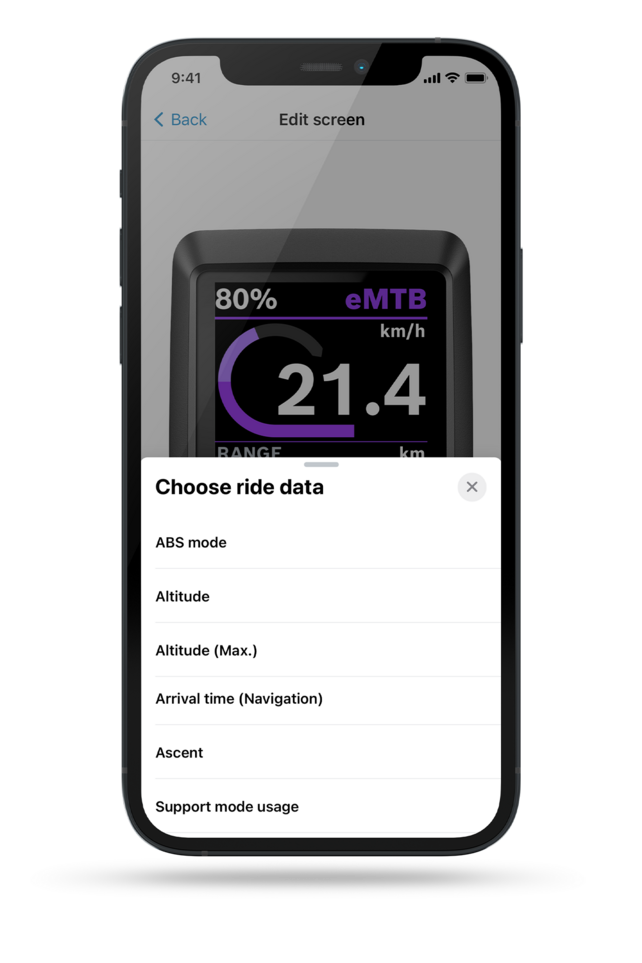
A display that suits you
You can customise and rearrange existing screens directly in the app – from the ride data displayed to the sequence of information.

The right information in every riding situation
With the “dynamic screen” function, you automatically receive the information that suits your current riding situation: When you ride uphill, you see, for example, your power, your cadence and the elevation covered. This means you no longer have to manually switch between screens and can keep an overview.
Adapting and customising
Customised setup
![Cropped [Screenshot] of the [eBike Flow App] with open [M]ode [A] selection.](/fileadmin/_processed_/6/6/csm_Bosch-eBike-FlowApp-iOS-Custom-riding-modes-list-BES3-MY2023-EN_1920x1920_Image-Text_2608704c4d.webp?_=1711380510)
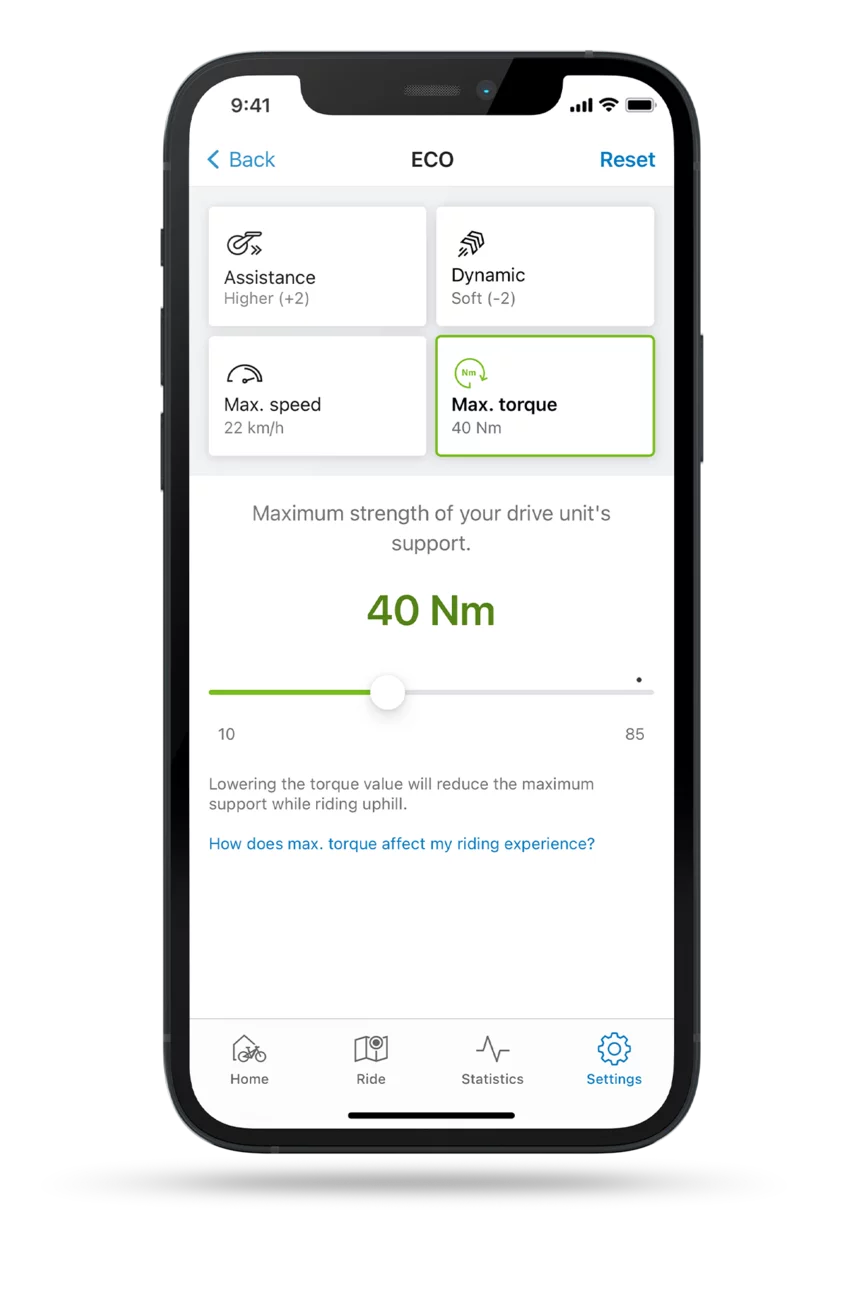
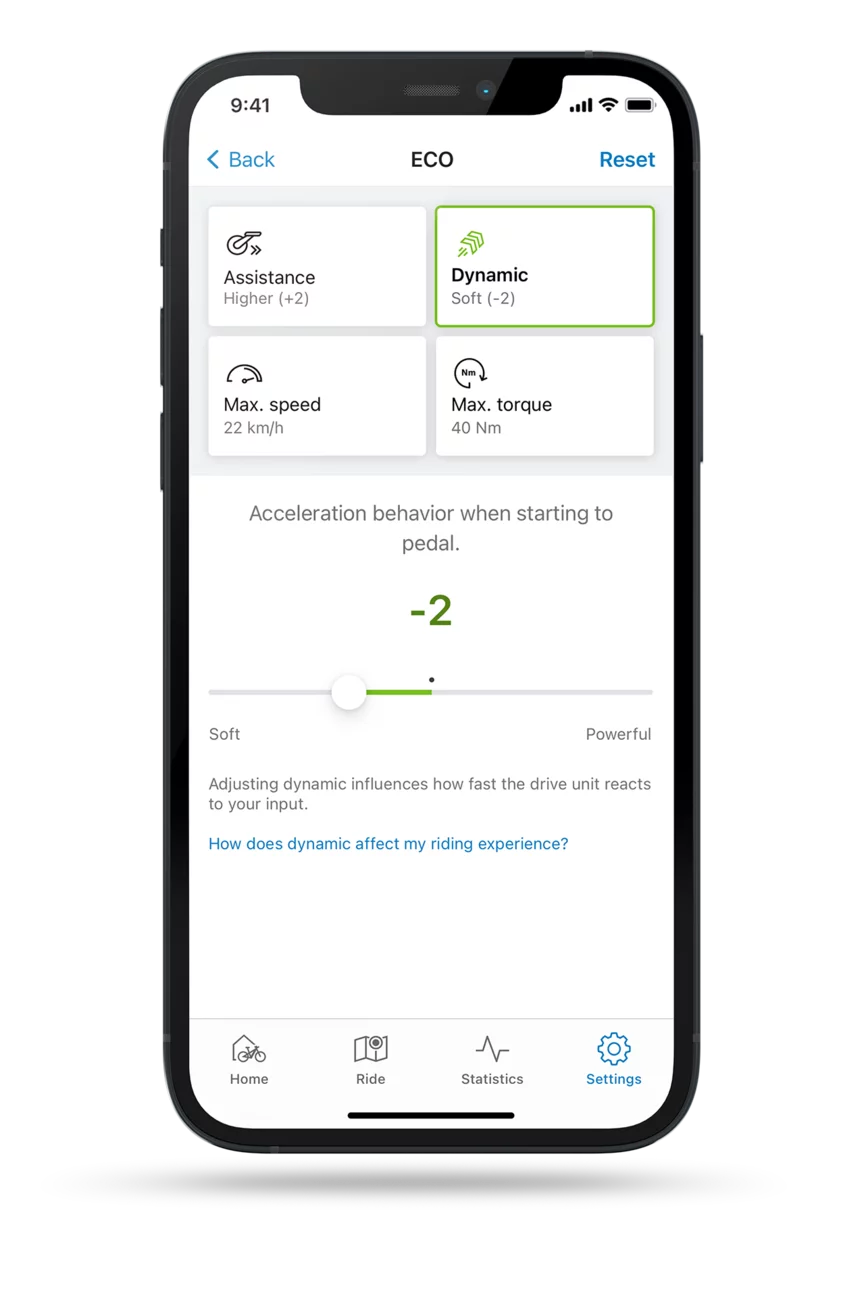
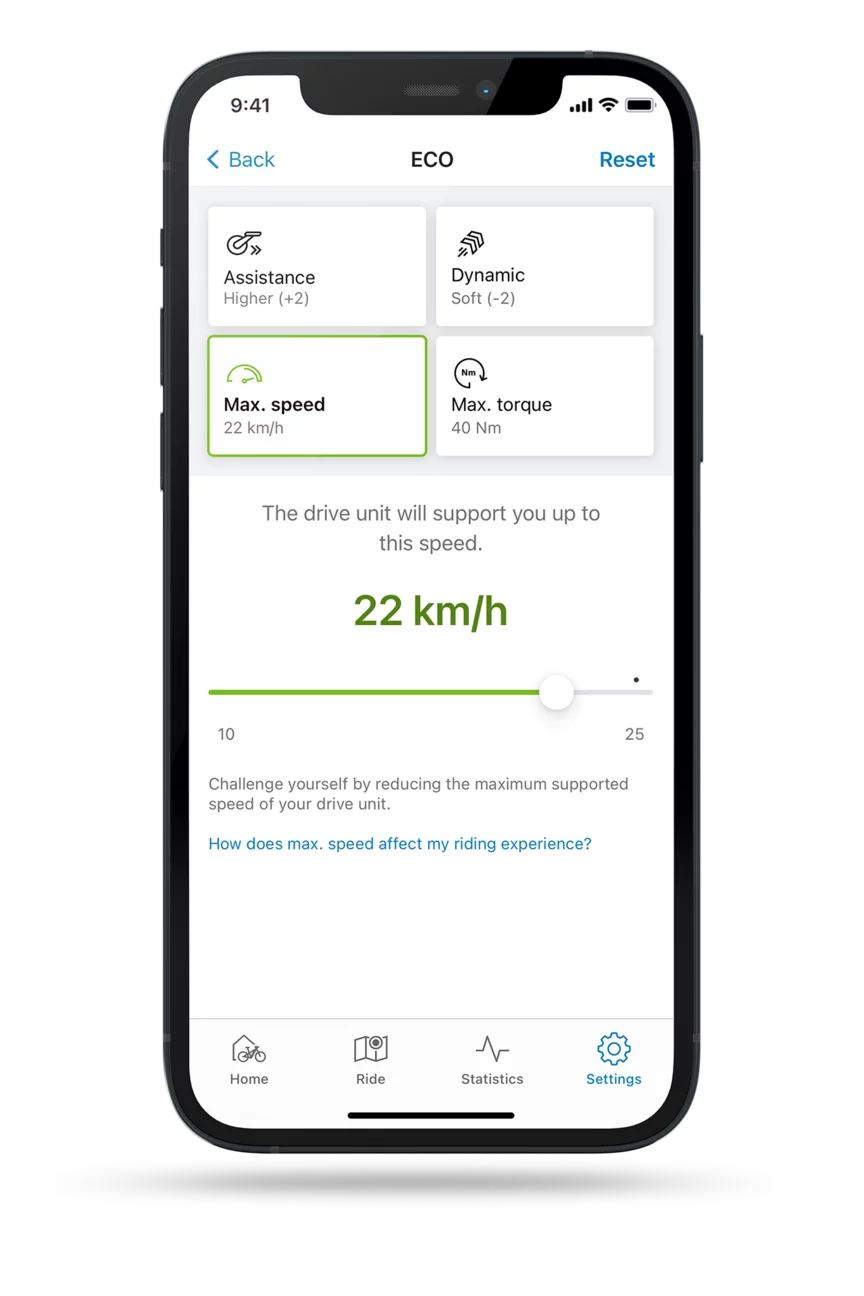

Perfectly tailored to you and your eBike
Decide for yourself with which support, dynamics or maximum torque the eBike takes you forward. You can adapt all riding modes to your needs in the eBike Flow app. This way, you not only get the best possible support, but also a riding experience that is precisely tailored to you.

Performance redefined
Performance upgrade 2.0
Unleash more power for your eBike. The performance upgrade 2.0 not only delivers better acceleration, but also more powerful support. Software optimisations give you more powerful propulsion and allow you to ride faster for longer – with even more precise control.¹²³⁴⁵

Put together what suits you
Favourite riding modes

With the eBike Flow app, you can put together your four favourite modes from all the riding modes available for your eBike. The manufacturer determines which riding modes are available to you depending based on the factory settings of the eBike model.
Personal. Individual. You.
Personalisation with the eBike Flow app

![Cropped [Screenshot] of the [eBike Flow App] with open [M]ode [A] selection.](/fileadmin/_processed_/6/6/csm_Bosch-eBike-FlowApp-iOS-Custom-riding-modes-list-BES3-MY2023-EN_1920x1920_Image-Text_9ca7e3c72f.png?_=1711380510)
Personalisation
Our products. Your eBike.


120 newton metres of maximum torque, with deviations possible depending on shifting system type. Higher performance values also mean higher wear and a lower range – we leave this individual decision to you. The eBike manufacturer can set a limit in the factory on the maximum torque. In the eBike Flow app, you can then only set the maximum torque specified by the manufacturer. Available for the Performance Line CX-R (BDU386Y), Performance Line CX (BDU384Y) and Cargo Line (BDU384Y). The Performance Line CX-R (BDU386Y) is still supplied as standard with the performance values 100 Nm, 750 watts and 400% support. The Performance Line CX (BDU384Y) is still supplied as standard with the performance values 85 Nm, 600 watts and 340% support. The Cargo Line PX (BDU384Y) is still supplied as standard with the performance values 85 Nm, 600 watts and 400% support. These values represent the ideal balance between performance and fun in relation to wear and range.
BackUp to 600% support only up to 15 km/h. Available in the Race, Turbo, eMTB+, Cargo and Auto riding modes for selected drive units of the smart system: Performance Line CX-R (BDU386Y), Performance Line CX Race Limited Edition (BDU376Y), Performance Line CX (BDU384Y), Performance Line CX (BDU374Y), Cargo Line (BDU384Y), Cargo Line (BDU374Y), Performance Line PX (BDU347Y); only in the USA and New Zealand: Performance Line Speed (BDU388Y) and Performance Line Sport (BDU347Y). Details on the compatibility of your eBike can be found in the eBike Flow app. The drive units are supplied with max. 340% or 400% support as standard (depending on the drive unit). These values represent the ideal balance between performance and fun in relation to wear and range.
BackAvailable in combination with DualBattery and the PowerTube 800, PowerTube 600 and PowerTube 750 eBike batteries for selected drive units of the smart system: Performance Line CX-R (BDU386Y), Performance Line CX (BDU384Y), Cargo Line (BDU384Y).
BackAvailable in Europe only with the PowerTube 800 and PowerTube 600 eBike batteries and for selected drive units of the smart system: Performance Line CX-R (BDU386Y), Performance Line CX (BDU384Y), Cargo Line (BDU384Y).
BackHow long the maximum power of 750 watts is delivered depends on a number of factors, including cooling of the eBike components, the charge level of the battery and the outside temperature. Deviations possible, depending on the battery.
Back


