Now even better
New features to improve your riding experience.
Discover now
Displays for sporting adventures
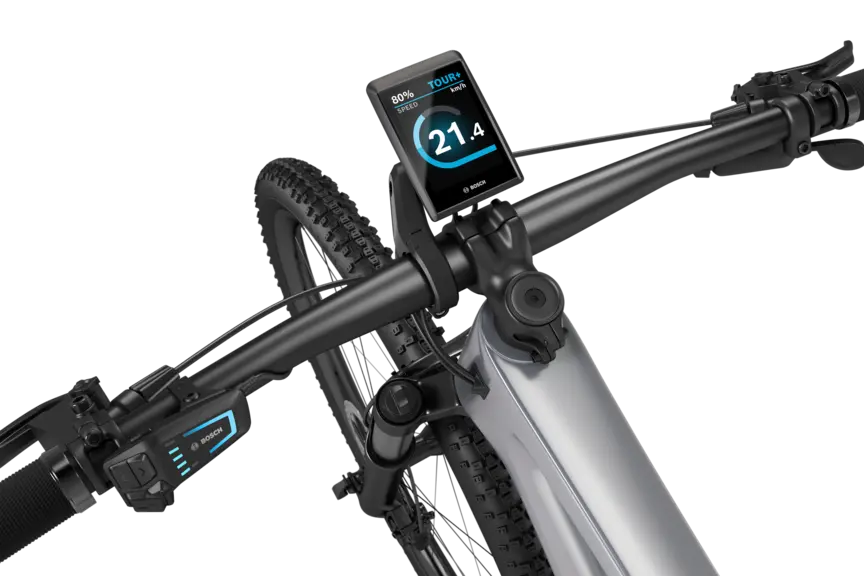
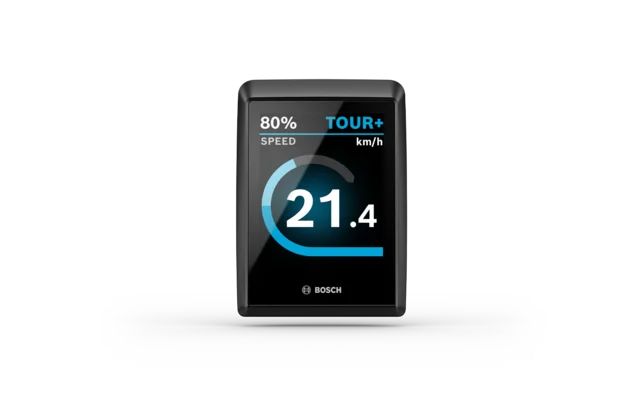
Kiox 500 and Kiox 300

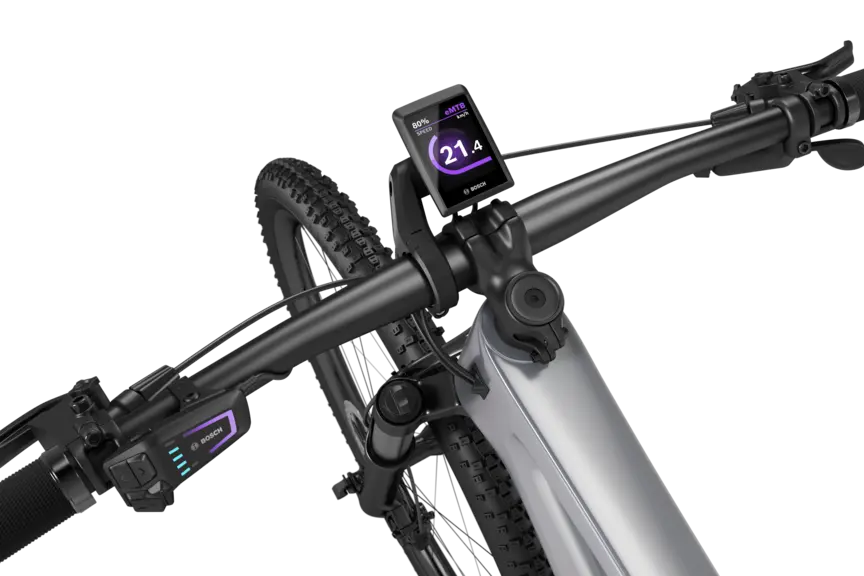
Mounted on the handlebar
Easily removable2.8 inches/2.0 inches
Display size measured diagonallyColour screen
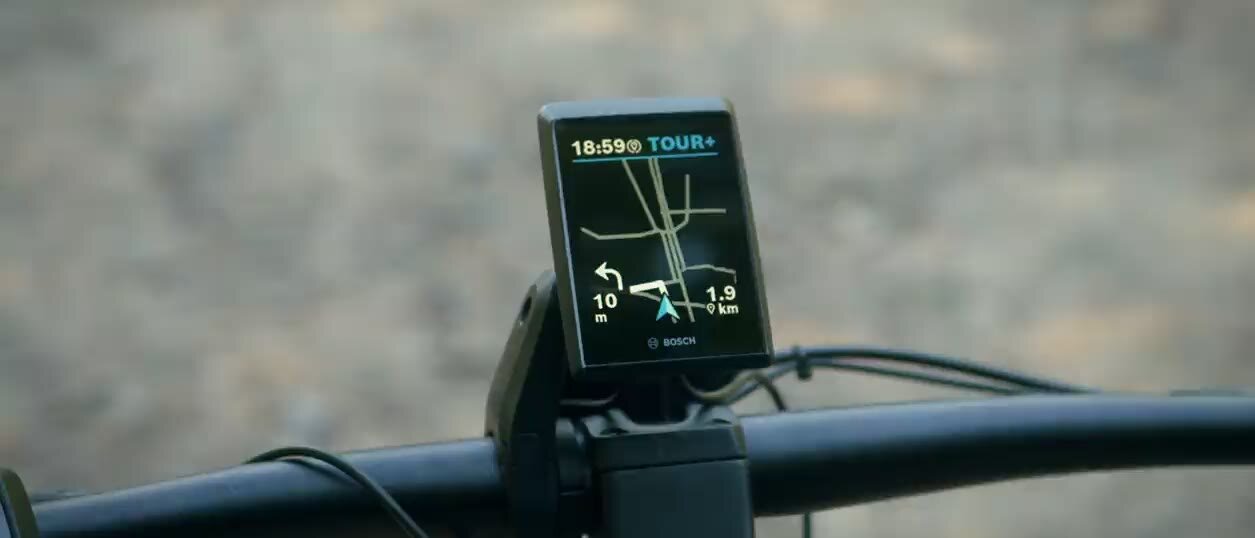
High resolution colour displayCustomisable, with navigation
Via the eBike Flow app:Smart navigation
Plan routes, navigate precisely and keep an overview on every tour. Helping you reach your destination even more efficiently.
Analysing riding data
Keep an eye on tour and fitness data. Analyse your power and motor support.
Easy to read
Brilliant colours, high brightness: Your colour display is always easy to read – on every ride.
Further benefits

Compact and robust
Kiox 500 and Kiox 300 are your robust, intelligent companions. They are compact, removable and protected against water splash and dust. Stylish design for the trail, tour or everyday rides.

Ergonomic operation
You can control both displays intuitively via the control unit on the handlebar. Customise destinations or stop navigation conveniently via the Quick Menu.
Individually customisable
Customise the screen layout of your Kiox 300 or Kiox 500 to suit your preferences. With over 30 customisation options, you decide for yourself what you see on your display while riding.
Always the right information
With the "Dynamic screen" feature, you automatically receive the information that matches your current riding situation – without having to manually switch between screens.

Walk assistance and hill start assist
Help on hills


Kiox 500 and Kiox 300
How-to videos


Technical data
Filteroptionen
| Technical data | 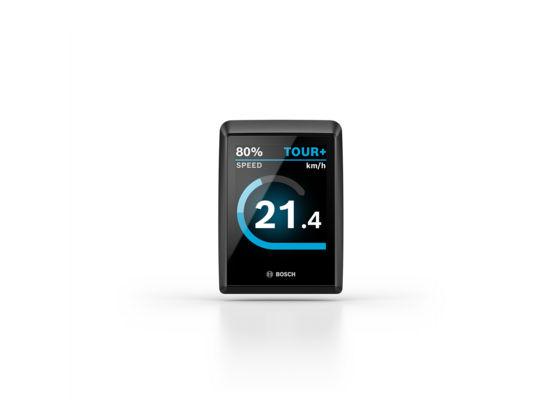 | 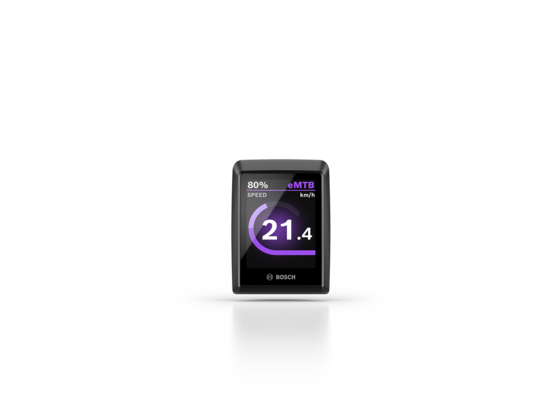 |
|---|---|---|
| Kiox 500 | Kiox 300 | |
| System | The smart system | The smart system |
| Screen size | Diagonal approx. 2.8"/7.1 cm | Diagonal approx. 2.0"/5.1 cm |
| Colour screen | j | j |
| Max. typical brightness | 1,000 cd/m2 | 1,000 cd/m2 |
| Handlebar diameter (with Display Mount kit) | 31.8 mm/35.0 mm | 31.8 mm/35.0 mm |
| Type of protection | IP55, protected against dust and water jets | IP55, protected against dust and water jets |
| Operating temperature | - 5 °C to 40 °C | - 5 °C to 40 °C |
| Power supply (with eBike system) | eBike battery | eBike battery |
| Charging station for external devices | No | No |
| Dimensions (H x W x D) | Approx. 86 x 61 x 16 mm | Approx. 66 x 48 x 15 mm |
| Weight | Approx. 61 g | Approx. 33 g |
| Brightness control | j | j |
| Notification tones | j | No |
| Number of buttons | no buttons | no buttons |
| Languages | English, German, French, Spanish, Portuguese, Italian, Dutch, Danish, Swedish, Norwegian, Polish, Czech, Japanese, Traditional Chinese for Taiwan, Korean. | English, German, French, Spanish, Portuguese, Italian, Dutch, Danish, Swedish, Norwegian, Polish, Czech, Japanese, Traditional Chinese for Taiwan, Korean. |
*¹ A smartphone is required and must be provided by the user
*² Only applies to SmartphoneGrip
*³ Suitable for smartphones incl. Camera bump and case with the following dimensions (L x W x H): 123 - 175 mm x 67 - 88 mm x 6.8 - 13 mm and a total weight of up to 276 g incl. cover. Not suitable for wallet cases.
*⁴ Without clamp
*⁵ Manually adjustable (backlight is not permanently on)
*⁶ Only applies to SmartphoneGrip Vertical.
*⁷ The USB-C® cable is not included in the scope of delivery.
*⁸ Suitable for smartphones incl. camera body and case with the following dimensions (L x W x D): 135–170 mm x 68–80 mm x 7–12 mm and a total weight of up to 260 g incl. case. Not suitable for foldable smartphones and smartphones with flip covers/cases. Depending on the case, the inductive charging feature may be limited.
*⁹ Depending on the drive unit installed in the eBike and the devices connected to it (e.g. high beam lights), charging may not be possible, or may only be possible to a limited extent.
*¹⁰ Without mount
*¹¹ Automatic brightness via light sensor or manually adjustable

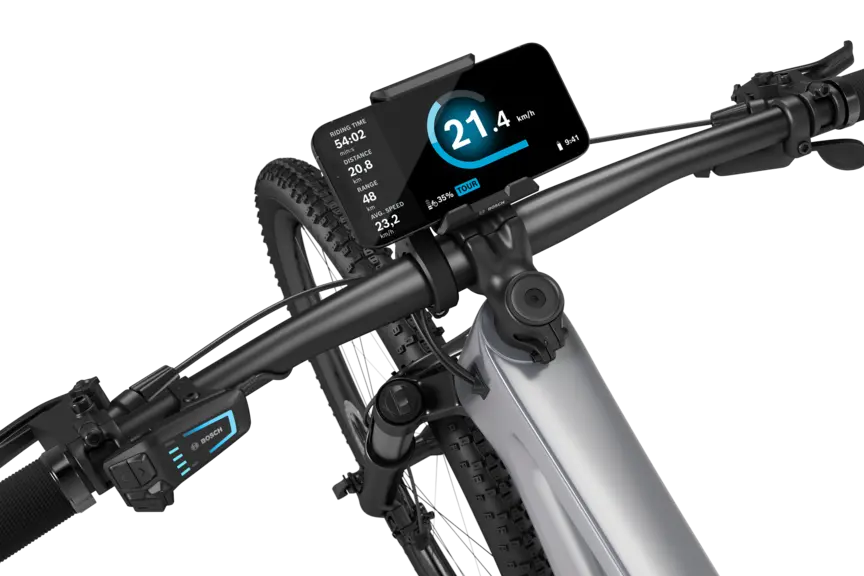
Larger display area
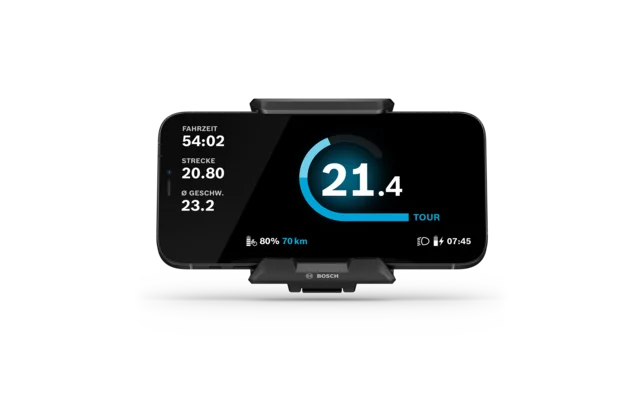
Place the SmartphoneGrip on the display mount, instead of the Kiox 500 or Kiox 300, and use your smartphone as a display. You do not need to change the display mount to do this.
Kiox 500 and Kiox 300
Other models
 The smart system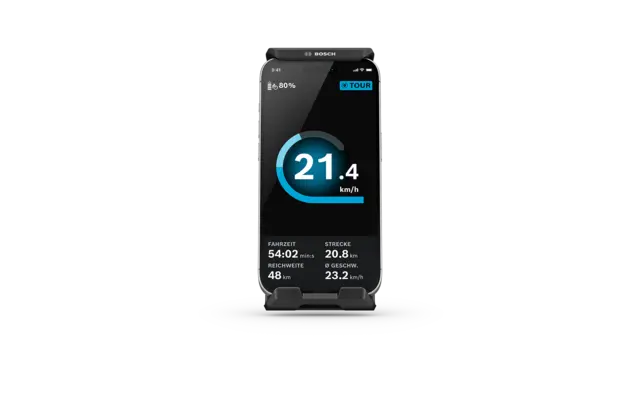
Close by
Find a local eBike dealer
Trick Check works with the Performance Line CX (BDU384Y), Performance Line CX-R (BDU384Y), Performance Line CX Race (BDU374Y), Performance Line CX (BDU374Y) and Performance Line SX (BDU314Y) and on the following displays: Kiox 300, Kiox 400C, Kiox 500, Purion 200, Purion 400. Trick Check is not enabled as standard on the Kiox 300, Kiox 500 and Purion 200 displays and must be enabled manually under > "Settings > Display > Trick Check".
BackThe Flow+ subscription is subject to a charge. When using Flow+, the General Terms and Conditions (GTC) apply.
Back


