Use your smartphone as an eBike display

SmartphoneGrip

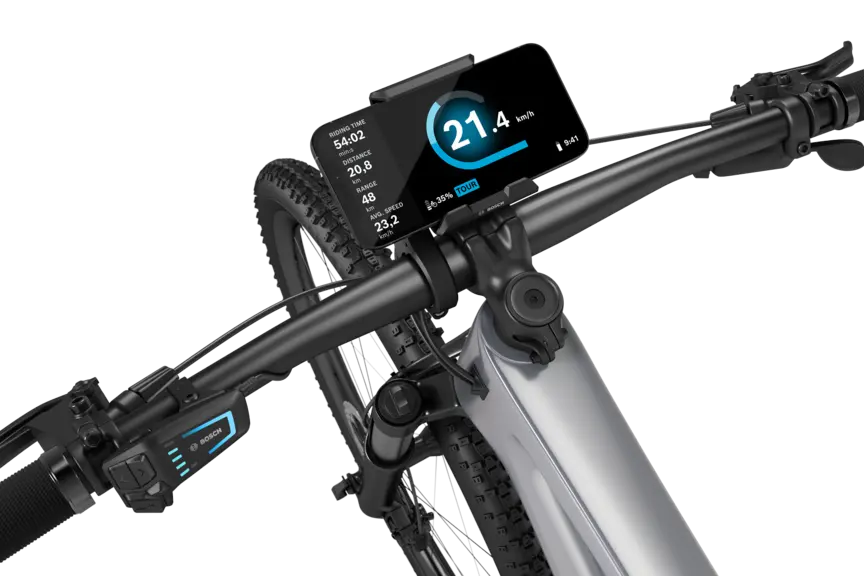
Cropped illustration of SmartphoneGrip with Smartphone in Tour M mode on a light gray background.
On the handlebar
Easily removable
Charge as you ride
Inductive or via cable
Riding data
Via the eBike Flow app
Full flexibility
Fast switching between displays

The SmartphoneGrip allows you to attach your smartphone to the handlebar, and uses the eBike Flow app to turn it into a display.

Everyday and touring companion

With the SmartphoneGrip and the eBike Flow app, you'll always have all the important ride data at a glance.

Open overlay

Convenient operation

Operate the eBike Flow app comfortably via the LED Remote or Mini Remote. Both hands stay on the handlebar.

Convenient smartphone charging

The SmartphoneGrip lets you charge your smartphone right there on the handlebar as you ride – either with or without a cable.

Open overlay

Further benefits

A person attaches his phone to a bicycle handlebar.

Secure grip

The SmartphoneGrip reliably holds your smartphone on the handlebar – on roads or surfaced forest and field paths.¹ The mount protects the smartphone's surface either with or without a case² thanks to its rubber coating.

A gloved hand inserts a Kiox 300 display into the mount.

Fast display change

From the city to the trail: You have a free choice of displays. Use your smartphone with the SmartphoneGrip or fix the Kiox 300 to the display mount.

A smartphone grip attached to the handlebars of a black eMountain bike against a white background.
The different possible positions of the handlebar on a free-standing bicycle handlebar.
A smartphone grip attached to the handlebars of a black eMountain bike against a white background. The smartphone grip is mounted facing forward.

Attach the SmartphoneGrip to the handlebar near the stem, where you have the best view of the display, or wherever it seems best to you.

Walk assistance and hill start assist

Help on hills

Walk assistance

Hold down the minus button and start walking: Thanks to smart walk assistance, you can push your eBike more easily. If you stop, Hill Hold will be enabled, preventing your bike from rolling back unintentionally.

A woman wearing a helmet rides her white eBike along a cobbled street.

Hill start assist

Put your foot on the pedal and hold down the minus button: With hill start assist, you can ride off in relaxed manner – even when fully loaded.

1 / 2

Other functions

Theft protection

Digital functions such as eBike Lock and eBike Alarm³ deter thieves and leave them empty-handed. You'll receive location and status information via your smartphone on the handlebar and can relax while staying connected.

Protecting your eBike

The smartphone is held in one hand, displaying the home page of the eBike Flow app. The other hand is gripping the eBike handlebar.

Analyse your riding data

In the statistics, you'll find valuable insights into your tour and fitness data, synchronised with Strava or Apple Health. With Flow+, you can also analyse your own pedal power and riding mode usage.³

Discover Flow+

Looking over the shoulder of a man checking his stats in the eBike Flow app.

Connect your favourite apps

Transfer routes from komoot to the eBike Flow app and synchronise your activities with Strava. Share successes with the community or have all data automatically synchronised with Apple Health.

A smartphone with the eBike Flow app lies on a table. It displays a map with a marked route. Next to the smartphone is a tablet that also shows a map with a route.

Determine the range yourself

With Range Control, you can use the eBike Flow app to determine the battery arrival charge. Your eBike intelligently adjusts the support to ensure the desired remaining range.

View of a smartphone showing the battery level being set for when the goal is reached via the eBike Flow app.

Ride smoothly in the right gear

With eShift, you can shift gears more easily and efficiently. Depending on the eShift variant, you can shift gears yourself or allow eShift to shift gears for you automatically. The display shows you the current gear and maximum gear available.

Discover eShift

Close-up of a rear wheel focusing on the rear derailleur.

Up to date

Updates ensure that your eBike is always up to date and gets even better. You can simply download new eBike functions and transfer them to your eBike via Bluetooth.

A person holds a smartphone near their eBike and installs updates using the smartphone app.
1 / 6

SmartphoneGrip

How-to videos

Compilation showing navigation started on the smartphone via the eBike Flow app. The smartphone is then attached to the SmartphoneGrip. Next, you see a riding scene with the ride screen of the eBike Flow app displayed, and at the end, the smartphone is removed from the mount.

Using Smartphone­Grip

Discover now

A compilation demonstrating how to start navigation using the eBike Flow app on your smartphone and then attach the device to the SmartphoneGrip. Next, you'll see a riding scene where the ride screen of the eBike Flow app is visible, and finally, the smartphone is removed from the mount.

Flashing pattern

Discover now

A compilation demonstrating how to use navigation with the eBike Flow app. Next, you see a riding scene in an urban setting, and the video finishes with a close-up of the smartphone showing the navigation map.

Navigation and ride screen

Discover now

Technical data

Filteroptionen
Technical data
SmartphoneGrip
SystemThe smart system
Screen sizeDependent on the smartphone*¹;*³
Colour screenDependent on the smartphone*¹
Max. typical brightnessDependent on the smartphone*¹
Handlebar diameter (with Display Mount kit)31.8 mm/35.0 mm
Type of protectionWhen the protective cap for the USB port is closed IP55, protected against dust and water jets*²
Operating temperature- 5 °C to 40 °C
Power supply (with eBike system)eBike battery*²
Charging station for external devicesInductive or via cable*³
Dimensions (H x W x D)Approx. 65 x 76 x 33 mm*²;*³
WeightApprox. 75g*²;*³
Brightness controlDependent on the smartphone*¹
Notification tonesDependent on the smartphone*¹
Number of buttonsDependent on the smartphone*¹
LanguagesNo

*¹ A smartphone is required and must be provided by the user
*² Only applies to SmartphoneGrip
*³ Suitable for smartphones incl. Camera bump and case with the following dimensions (L x W x H): 123 - 175 mm x 67 - 88 mm x 6.8 - 13 mm and a total weight of up to 276 g incl. cover. Not suitable for wallet cases.
*⁴ Without clamp
*⁵ Manually adjustable (backlight is not permanently on)
*⁶ Only applies to SmartphoneGrip Vertical.
*⁷ The USB-C® cable is not included in the scope of delivery.
*⁸ Suitable for smartphones incl. camera body and case with the following dimensions (L x W x D): 135–170 mm x 68–80 mm x 7–12 mm and a total weight of up to 260 g incl. case. Not suitable for foldable smartphones and smartphones with flip covers/cases. Depending on the case, the inductive charging feature may be limited.
*⁹ Depending on the drive unit installed in the eBike and the devices connected to it (e.g. high beam lights), charging may not be possible, or may only be possible to a limited extent.
*¹⁰ Without mount
*¹¹ Automatic brightness via light sensor or manually adjustable

A black eBike positioned against a white background, featuring a SmartphoneGrip mounted on the handlebar.Zoom in on the handlebars of a free-cut eBike, where a Kiox 300 is visible.A silver eMountain bike with a black handlebar stands isolated against a white background. A Kiox 500 is mounted on the handlebar. The display shows the speed in km/h, the battery level, and the riding mode.

Fast display change

Full modularity and free choice of displays: Thanks to the same interface, you can replace the SmartphoneGrip with the Kiox 300 or Kiox 500. Choose the display to suit you for every ride.

Retrofit displays

SmartphoneGrip

Other models

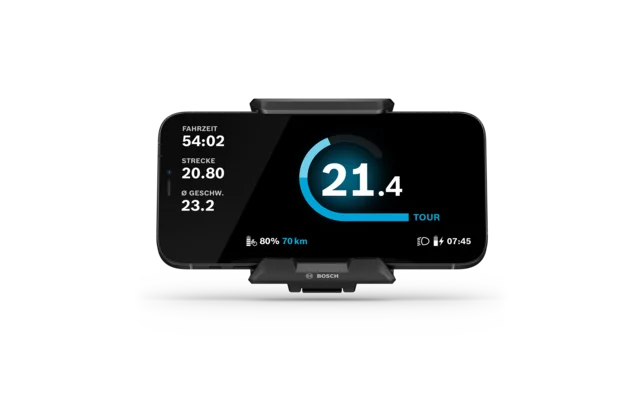
Cropped display of the SmartphoneGrip with Smartphone in Tour mode on a light gray background.

SmartphoneGrip

Your smartphone as an eBike display – in landscape format.

  • The smart system
  • On the handlebar, in landscape format
  • Charge inductively or via cable
  • Riding data
Current product
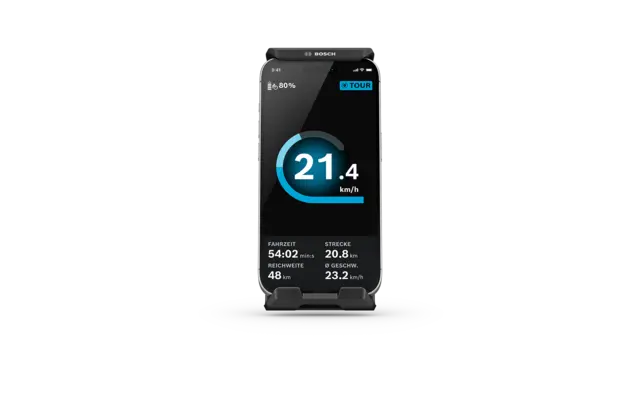
A smartphone, securely held in the SmartphoneGrip Vertical, serves as an on-board computer and displays the ridescreen.New

SmartphoneGrip Vertical

Turn your smartphone into an eBike display – in portrait format.

  • The smart system
  • On the handlebar, in portrait format
  • Charge inductively or via cable
  • Secure grip
About the product
The Kiox 500 display is shown on a white background.

Kiox 500

Your touring companion.

  • The smart system
  • On the handlebar, removable
  • Diagonal 2.8"
  • Colour screen
About the product

Close by

Find a local eBike dealer

Feel the Flow