Version 1.22
New features for the eBike Flow app and the smart system

Personalised analysis for reliable planning and care-free arrival
With this update, we're introducing a real game changer by putting an end to range anxiety with AI. With Range Control, you can now choose how full you want your eBike battery to be on arrival. Also new: the display configuration for the Purion 200 and statistics on Bosch eBike ABS and CO2 emissions after your ride.
Note: In some cases it can take several days until the update is displayed in the Apple AppStore or Google Play Store.
After downloading the new version of the eBike Flow app, you can update your eBike with the smart system using the eBike Flow app. This way you can take advantage of all the features and improvements we have listed here. Please ensure that all the components are attached to your eBike before updating it.


Range Control – never worry about battery range again
Plan routes with freedom and flexibility, without range anxiety – and enjoy the ride without having to worry about the battery status. Thanks to artificial intelligence, the new Range Control function now makes this a reality.*
When you plan a route with the eBike Flow app, you can see straight away how much battery capacity will remain when you reach your destination in your chosen support mode. With Range Control, you can now decide for yourself how much (minimum) battery charge you need to reach your destination. Depending on your choice, you will see whether you can travel your route with full, low or very low support. During your ride, the support from the Drive Unit is then adapted to ensure the desired battery status on arrival.
Here's how it works: To display the most accurate range possible, your eBike uses the smart system to find out various pieces of information. The system weight, for example, or the elevation graph of the route and your individual riding style on your last rides. The predictions become more and more precise: once the first activities have been recorded, the eBike Flow app can determine the battery status on arrival much more accurately than before.
* Range Control does not work with S-Pedelecs and is not available for Auto mode.
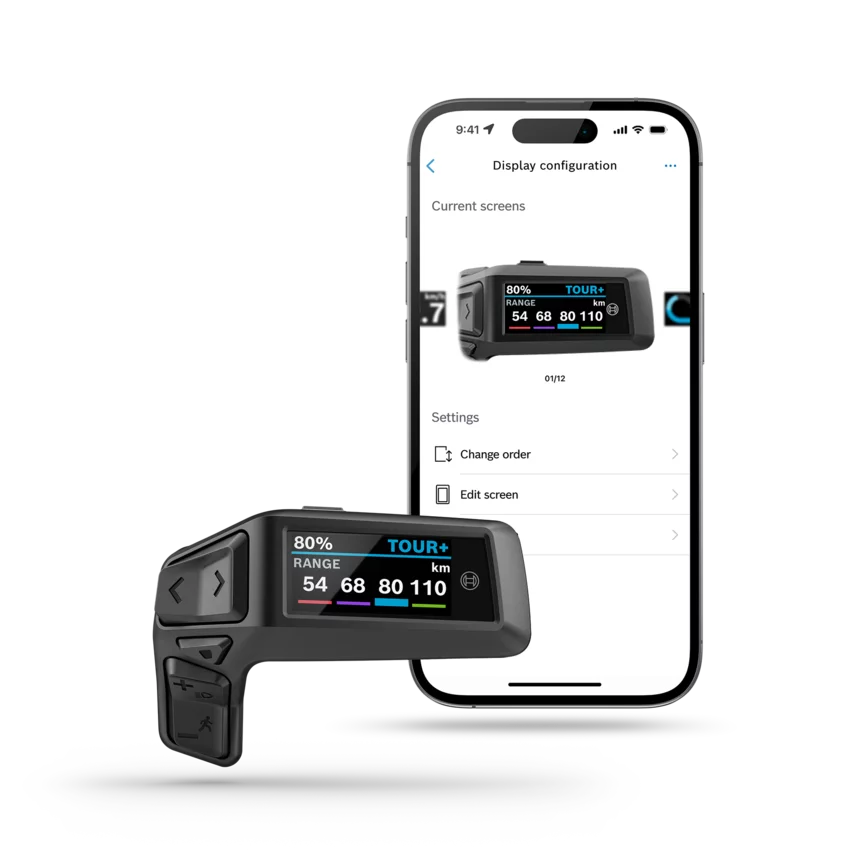
Purion 200 – configure your display
On asphalt or on trails: on your display, you want to see the information that suits your current riding situation and route. That's why we now also let you configure the display of the Purion 200. Using the eBike Flow app, you can add content, change or delete screens and determine the display sequence yourself. With more than 30 types of information available plus individually customisable displays, the Purion 200 can now also become your personalised display.
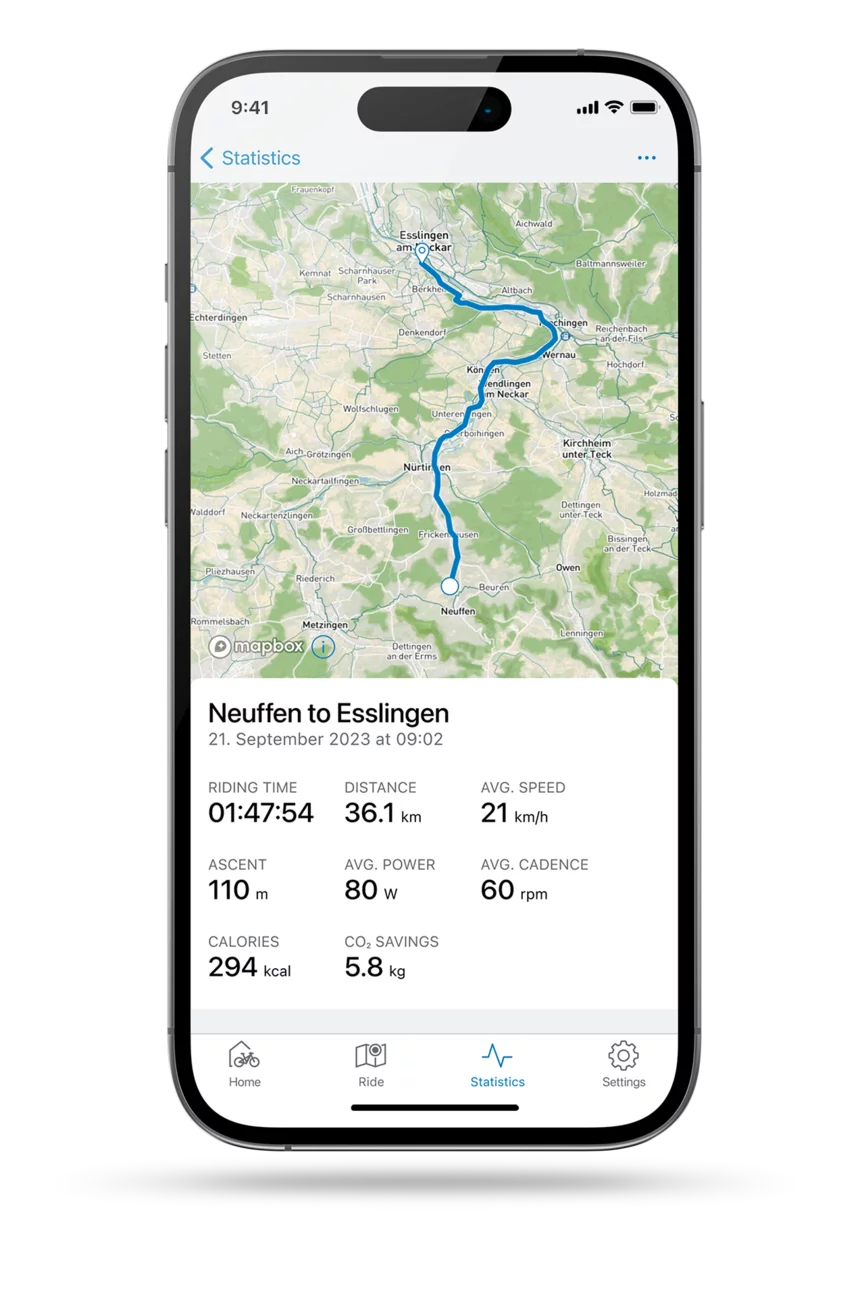
CO2 savings in the statistics
Sustainability is important to us. That's why from now on, as soon as you've finished your ride, you'll be able to see in the statistics how much CO2 you've saved compared to travelling the same distance by car.
Note: The emissions saved relate to the use phase. The calculation is based on the Federal Environment Agency’s assumptions (2022): Car = 166 g CO₂/pkm, eBike = 3 g CO₂/pkm

ABS statistics
If you ride with the Bosch eBike ABS, activity tracking will now show you how often you braked in total, and how often the ABS was activated on your last ride.

For an even more natural riding experience: Eco+ riding mode
Experience riding with an even more natural feel – with the new Eco+ riding mode. It only switches on under heavier loads, e.g. on inclines. When motor support is no longer required, the motor switches off automatically. This way, you can easily save energy and extend the range.
* You can currently obtain Eco+ mode from your specialist dealer. With one of the next updates, it will also be possible to transfer the Eco+ mode to your eBike via the eBike Flow app. The manufacturer determines which riding modes are available to you depending on the model of bike.


