The smart control center

LED Remote

Isolated LED Remote.
On the handlebar
Hands remain on the handlebars
LED indicators
Brightness perfectly adapted to your surroundings
5 buttons and On/Off
All important functions under control
Versatile
Touring eBike, City eBike, Cargo eBike, and more

Optimal readability

Regardless of the time of day and ambient light: See all important information quickly and easily.

Open overlay

Part of the smart system

The LED Remote connects the eBike to the eBike Flow app. You can call up and share ride data there at any time.

Open overlay

Ergonomic handling

The LED Remote can be individually adjusted to your needs and boasts impressive ergonomics and operation.

Open overlay

Recording of an eBike handlebar where the eBike is switched on using the LED Remote.

Additional benefits

Image of a handlebar with a focus on the LED Remote.

Ambient light sensor

The different colored LEDs flexibly adjust their brightness to the ambient light. They are therefore very easy to see even in sunlight and will not dazzle you in the dark.

Understanding LEDs

You can see the selected riding mode from the LED colors. The LEDs on the left indicate the battery charge level. Flashing patterns inform you about the status and indicate errors.

Walk assistance and hill start assist

Assistance on the mountain

Walk assistance

Hold down the minus button and start pedaling: The smart walk assistance feature helps you push your eBike more easily. If you stop, Hill Hold is activated, preventing your bike from rolling back unintentionally.

An eBike rider drives over paved ground with tram tracks and turns towards a building.

Hill start assist

Put your foot on the pedal and hold down the minus button: With the hill start assist, you can set off again in a relaxed manner, even when fully loaded.

1 / 2

Other functions

Operate your display

The LED Remote allows you to control your Kiox 500 or Kiox 300 intuitively. Choose between different layouts, scroll through the screens, and open menus using the buttons on the handlebars.

A person is holding a smartphone displaying the Bosch eBike FlowApp with the screen layout "display configuration" and "Dynamic screen". The smartphone is held next to a bicycle handlebar equipped with a digital display that shows information such as battery level, mode (TOUR), speed, and range. The background is blurred and reveals an outdoor environment.

Determine the range yourself

With Range Control, you can use the eBike Flow app to determine the battery level you want to arrive with. Your eBike intelligently adjusts the support to ensure the desired remaining range.

View of a smartphone showing the battery level being set for when the goal is reached via the eBike Flow app.

Theft protection

Our digital functions such as eBike Lock and eBike Alarm deter theft and protect your eBike even more effectively against theft.¹

Protect eBike

Perfectly tailored

Customize your riding modes in the eBike Flow app. Determine support, dynamics, and torque, for example. Choose your four favorite modes and optimize your performance for a perfectly coordinated riding experience.

Personalize eBike

View over the shoulder of a woman who individually adjusts the performance values in the eBike Flow app.

Always up to date

Updates ensure that your eBike is always up to date and its performance is enhanced. You can easily download new eBike functions and transfer them to your eBike via Bluetooth.

A person holds a smartphone near their eBike and installs updates using the smartphone app.
1 / 5

LED Remote

How-to videos

The video shows how to set up the eBike using the LED Remote and a smartphone. First, the on button at the top is pressed, causing all the LEDs to flash once. Then, the scene switches. A person holds a smartphone displaying the instruction: "Press for 3 seconds until the LED flashes!" The person follows this instruction and presses the button for 3 seconds. Afterwards, the message "eBike is being set up" appears on the smartphone screen.

Using the LED Remote

Find out more

use of the LED Remote.

Flashing pattern on the LED Remote

Find out more

A close-up of a bicycle handlebar features the LED Remote. The image highlights the brake lever and wiring that connect to the system. The background is neutral and simple.

Position the LED Remote correctly

Find out more

Technical data

Filter options
Technical data
LED Remote
SystemThe smart system
Screen sizen/a
Colour screenno
Max. typical brightnessn/a
Handlebar diameter (with Display Mount kit)0.9"
Protection classIP55, protected against dust and water splash
Operating temperature23 °F to 104 °F
Power supply (with eBike system)eBike battery/integrated battery
Charging station for external devicesNo
Dimensions (L x W x H)Approx. 2.5" x 2.9" x 0.7"¹*⁴
WeightApprox. 1.1 oz.*⁴
Brightness controlj
Notification tonesNo
Number of buttons5 and On/Off
LanguagesNo

*¹ A smartphone is required and must be provided by the user
*² Only applies to SmartphoneGrip
*³ Suitable for smartphones incl. Camera bump and case with the following dimensions (L x W x H): 123 - 175 mm x 67 - 88 mm x 6.8 - 13 mm and a total weight of up to 276 oz. incl. cover. Not suitable for wallet cases.
*⁴ Without clamp
*⁵ Manually adjustable (backlight is not permanently on)
*⁶ Only applies to SmartphoneGrip Vertical.
*⁷ The USB-C® cable is not included in the scope of delivery.
*⁸ Suitable for smartphones including camera bump and case with the following dimensions (L x W x D): 5.3-6.7" x 2.7-3.1" x 0.3-0.5" and a total weight of up to 9.2 oz. incl. cover. Not suitable for foldable smartphones and smartphones with flip covers and case covers. Depending on the case, the inductive charging function may be limited.
*¹⁰ without mount
*¹¹ automatic brightness via light sensor or manually adjustable
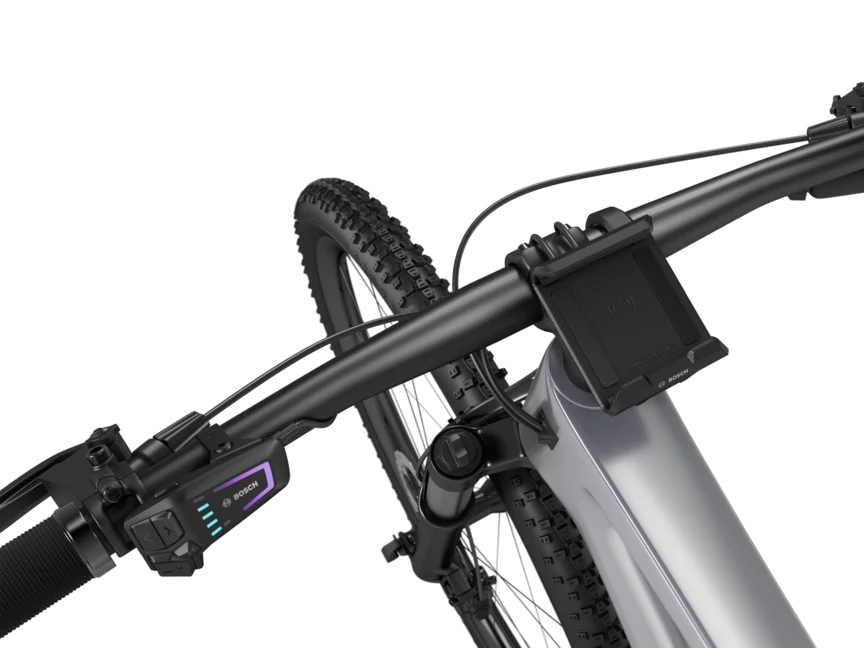
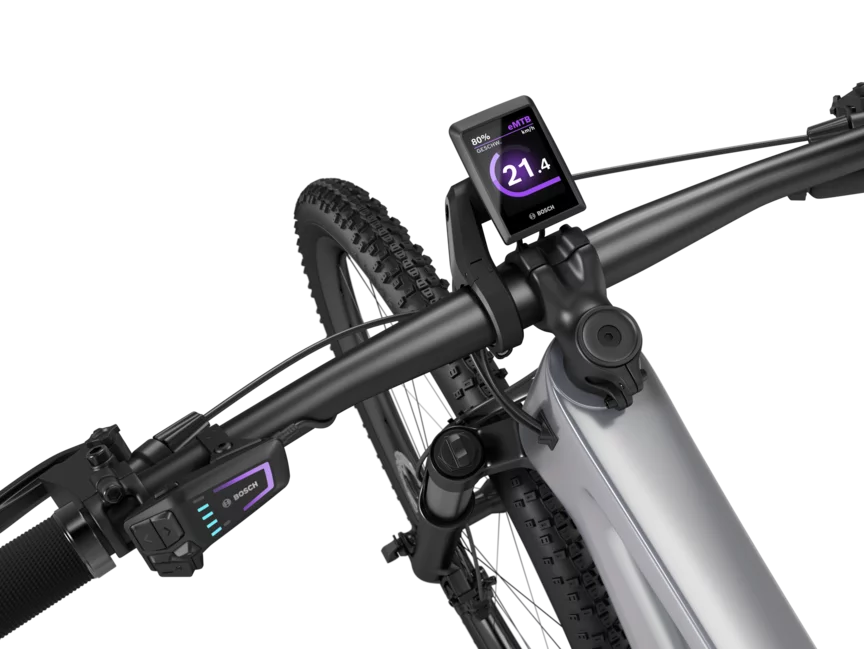
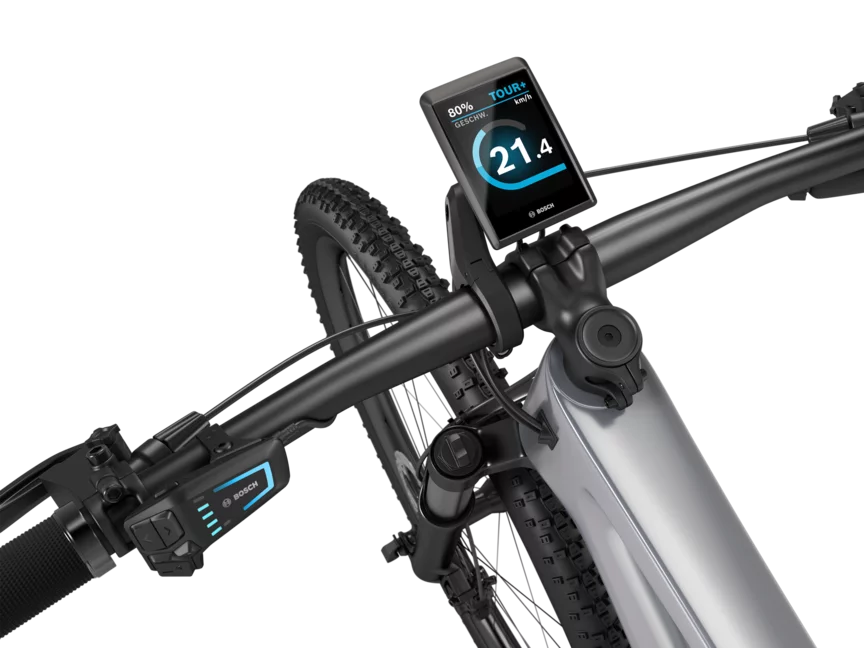
A black eBike positioned against a white background, featuring a SmartphoneGrip mounted on the handlebar.Zoom in on the handlebars of a free-cut eBike, where a Kiox 300 is visible.Zoom in on the handlebars of a cut-out eBike, featuring a SmartphoneGrip with a smartphone inserted.A silver eMountain bike with a black handlebar set against a white background. A Kiox 500 is mounted on the handlebar. The display shows the speed in km/h, the battery level, and the riding mode.

Conveniently extendable

The LED Remote allows you to conveniently expand your eBike. Use one of our displays to keep an eye on all ride data and enhance your riding experience.

Retrofit display

LED Remote

Other models

The LED Remote is depicted with a white background.

LED Remote

The smart control center.

  • The smart system
  • On the handlebar
  • LED indicators
  • 5 buttons and On/Off
Current product
The Purion 200 is depicted on a white background.

Purion 200

Control unit and display in one.

  • The smart system
  • On the handlebar
  • Diagonal 1.6”
  • Color screen
Go to product

Close by

Find a local eBike dealer

Feel the Flow